Follow the steps below to obtain the code snippet from the Order Printer Pro application, which is required to send an invoice to customers via WhatsApp or SMS.
Step 1: Open the Order Printer Pro app in Shopify and navigate to Automated PDFs. 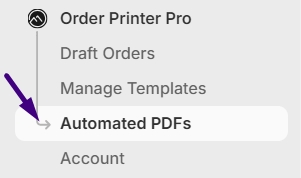 Step 2: Ensure Receipt / Invoice is selected in the Template to use section.
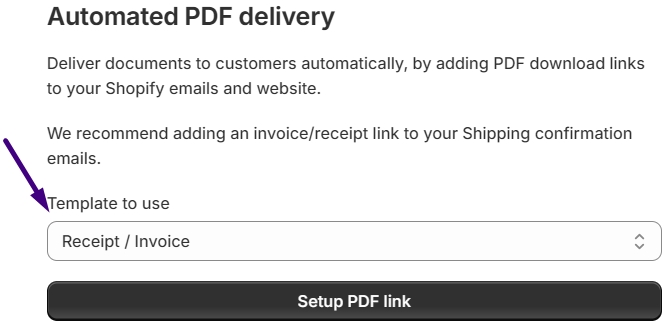
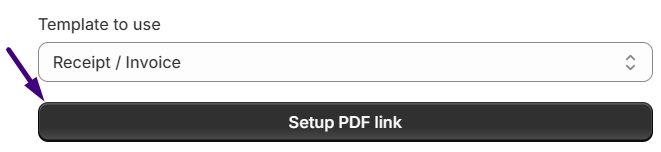
Step 3: Click the Setup PDF link button.
Step 4: Click the Next Step button located at the top-right corner.

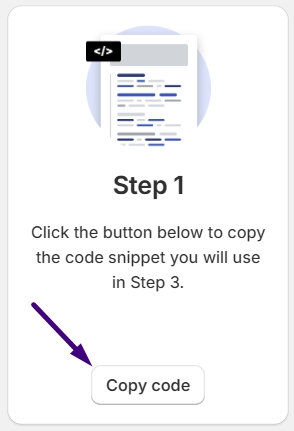
Step 5: In Step 1, click the Copy code button to copy the code snippet.